

Multi Location Oral Surgery Practice Software
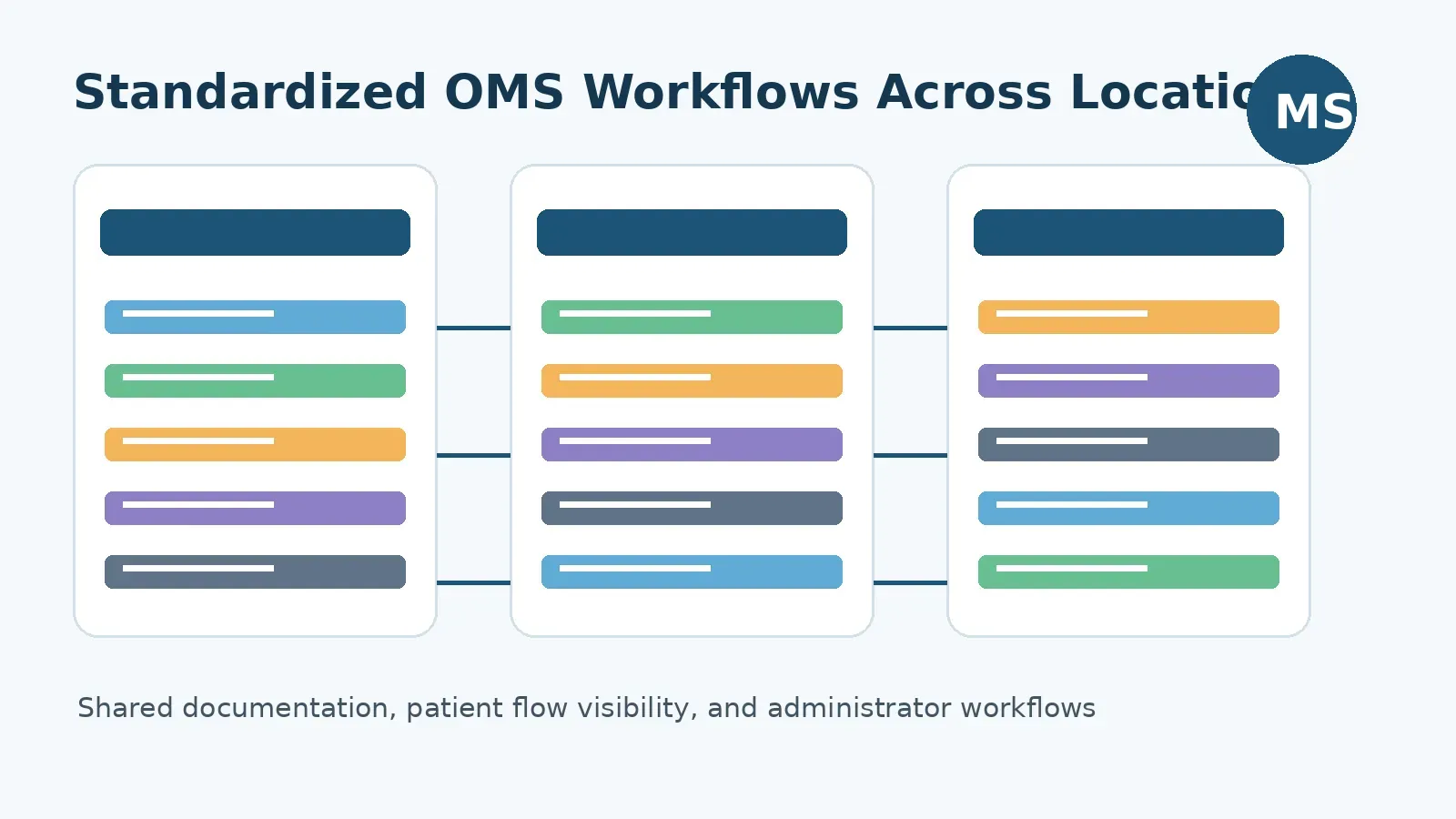
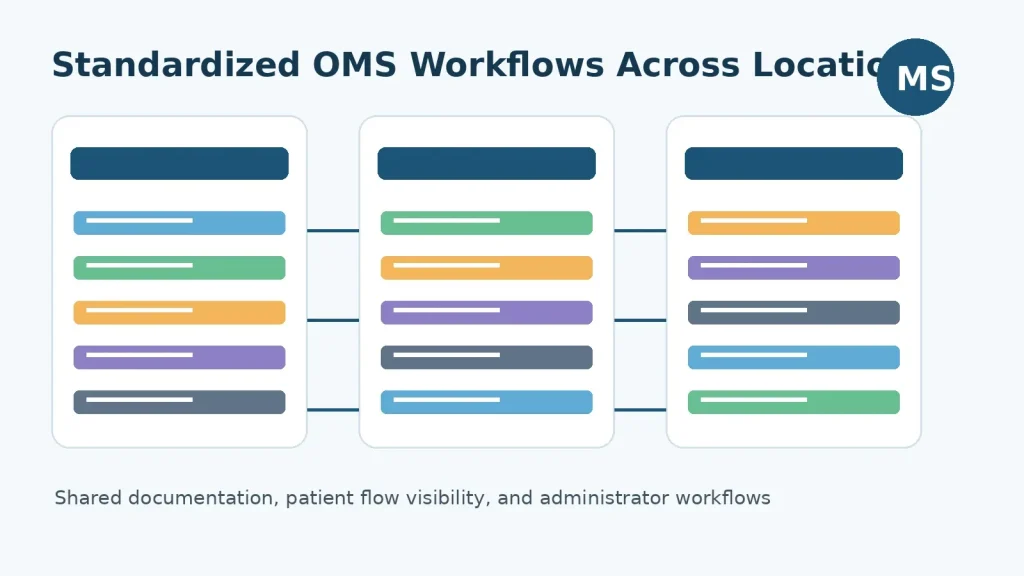
Multi location oral surgery groups do not fail because one office is disorganized. They struggle because each location develops its own version of the day: different documentation habits, different handoff rules, different insurance steps, different patient flow visibility, and different ways of telling administrators what needs attention. The right multi location oral surgery practice software gives surgeons, clinical teams, and administrators one shared operating system for consistent OMS workflows across offices.
Ready to see how a purpose-built OMS platform can support your group practice? Contact MaxilloSoft to discuss your current workflow.
For a two to eight surgeon group, the software decision is rarely just about replacing paper or adding another cloud tool. It is about protecting clinical consistency while the practice grows. A single-location office can often rely on informal communication. A multi-site OMS group needs repeatable processes that work when the senior surgeon is at one office, the administrator is at another, and staff are moving patients through consults, imaging, anesthesia, surgery, recovery, and checkout in real time.
This guide explains what multi-location OMS groups should look for, where general dental software often falls short, and how MaxilloSoft fits practices that need standardized clinical documentation, real-time visibility, and administrator workflows across multiple offices.
What Is Multi Location Oral Surgery Practice Software?
Multi location oral surgery practice software is a specialty practice management and clinical workflow platform that helps an OMS group coordinate documentation, patient flow, insurance verification, treatment planning, internal communication, and administrative oversight across more than one office.
For oral and maxillofacial surgery groups, this is different from standard dental practice management software. OMS practices manage surgical consults, extractions, implants, biopsies, exposure and bond cases, anesthesia records, medical and dental insurance coordination, referral relationships, informed consent, recovery, and post-op notes. When those workflows happen in multiple locations, the system must do more than store appointments. It must help the group run the same clinical and administrative playbook in every office.
In practical terms, the software should help answer questions like:
- Are surgeons documenting the same case types consistently across locations?
- Can staff see what each patient is waiting on right now?
- Can administrators identify bottlenecks without calling every office?
- Can treatment plans, estimates, and insurance details move cleanly through the workflow?
- Can a new associate follow the group standard without learning every preference by memory?
Those questions matter because multi-location growth exposes small workflow gaps. A missed insurance detail in one office becomes rework. A delayed chart note becomes an administrative follow-up. A patient waiting without visibility becomes a schedule problem. Specialty OMS software should reduce those points of friction before they multiply across the group.
Why Multi-Location OMS Groups Outgrow Single-Office Workflows
A single-office OMS practice can often coordinate through proximity. The surgeon can ask the front desk a question. A clinical assistant can walk a paper form to the billing team. The administrator can see the waiting room from the hallway. That approach becomes fragile when the practice expands.
Multi-location groups usually run into five recurring problems:
1. Documentation standards drift by office
One location may document implant consults one way while another uses a different sequence. One surgeon may complete treatment plans in the operatory while another finishes notes later. Over time, those differences make training harder, quality review harder, and handoffs less predictable.
2. Patient flow becomes harder to see
When administrators cannot see where patients are in the visit, they are forced to manage by phone calls, text messages, or end-of-day reports. That is too late for a busy surgical schedule. Multi-location groups need a real-time view of patient status, not a summary after delays have already occurred.
3. Insurance and estimates vary by staff process
Oral surgery insurance verification is repetitive, detailed, and easy to fragment. If each office handles verification and fee estimates differently, patients may receive inconsistent communication and administrators lose confidence in the numbers.
4. New surgeons and associates need a shared system
Growth often means adding associates, expanding provider schedules, or moving surgeons between locations. Without standardized workflow support, the practice has to train every process manually. The software should reinforce the standard instead of relying on memory.
5. Administrators need oversight without micromanaging
A practice administrator should not have to interrupt every team to learn what is happening. The system should help surface incomplete tasks, patient movement, estimate readiness, and operational bottlenecks so leaders can focus on improving the practice instead of chasing updates.
MaxilloSoft was developed specifically for oral surgery, not adapted from a general dental workflow. That matters for group practices because the software is organized around OMS realities: surgical documentation, anesthesia, insurance verification, patient flow, team tasks, and practice visibility.
Core Features to Look For in Multi-Location OMS Software
The best software for a multi-site oral surgery group is not the platform with the longest feature checklist. It is the one that makes the most important workflows more consistent. Use the following areas as an evaluation framework.
Standardized OMS clinical documentation
Clinical documentation is the foundation of a group OMS workflow. The system should support consult notes, procedure notes, anesthesia records, treatment plans, informed consent, imaging access, and post-op documentation in a way that fits oral surgery.
For multi-location groups, documentation standardization is about more than speed. It helps the practice create a common language for similar case types. When surgeons and assistants follow a consistent structure, the group can train staff faster, review records more confidently, and reduce the after-hours charting that drains surgeon time.
MaxilloSoft’s OMS EMR is designed to remember surgeon preferences for common case types. That helps reduce repetitive typing and supports more complete case records before the surgeon leaves the operatory. For a group practice, preference-based documentation can help balance individual surgeon style with the need for a shared workflow.
Real-time patient flow visibility
Multi-location oral surgery groups need to know what is happening now. A real-time dashboard can show where patients are, what they are waiting on, and how long they have been waiting. That visibility is especially important when multiple surgeons, operatories, assistants, and front-office staff are coordinating the same day.
MaxilloSoft’s dashboard is built around the idea that the right information should reach the right person at the right time. Color-coded patient status and tablet access help staff identify what needs attention without searching through paper or interrupting another team member.
Administrator workflows and task visibility
Administrators need a practical way to manage the group without creating extra reporting work for every office. Software should make incomplete tasks visible, support role-based workflows, and help managers understand whether delays are clinical, financial, scheduling, or communication related.
This is where oral surgery software can move beyond recordkeeping. A strong system helps administrators spot workflow problems while they are still fixable. It can also support training because staff can see what should happen next instead of relying on informal office habits.
Insurance verification and estimate support
Oral surgery practices often coordinate dental and medical insurance, benefits, treatment plans, and patient estimates. In a multi-location group, inconsistent insurance workflows can create friction for the front office and confusion for patients.
MaxilloSoft includes insurance verification workflows designed to reduce repetitive steps and help create formatted fee estimates from the doctor’s treatment plan. Groups evaluating software should ask how verification, treatment planning, and estimates connect. If those steps live in separate systems, the practice may still be relying on manual re-entry.
Secure internal communication
Multi-site groups need communication that travels with the workflow. A message about a patient, referral, estimate, or incomplete task should not disappear into a separate text thread. Software should support communication between locations and within the same practice in a way that keeps work connected to the patient record and team responsibilities.
MaxilloSoft supports inter-practice and intra-practice messaging, which is helpful for group practices that need to communicate across locations without losing context.
Compatibility with existing practice systems
Many established OMS groups already have infrastructure they cannot replace overnight. They may use existing scheduling, billing, or practice management systems and need specialty OMS workflows to fit into that environment. MaxilloSoft references WinOMS workflow support on its site, which can be important for practices that want OMS-specific efficiency without a disruptive rip-and-replace project.
How MaxilloSoft Fits Two to Eight Surgeon OMS Groups
MaxilloSoft is well suited for OMS groups that are large enough to need standardization but still close enough to value configurable workflows. That often includes two to eight surgeon practices, multi-location offices, and growing groups that want stronger consistency without becoming an enterprise DSO.
For these practices, the operational challenge is specific. The group needs to preserve surgeon autonomy, but it also needs repeatable standards. It needs staff to move quickly, but not through undocumented shortcuts. It needs leadership visibility, but not constant interruption. It needs technology that supports the specialty instead of forcing the specialty into a general dental framework.
If your group is trying to standardize workflows across two or more OMS locations, review MaxilloSoft’s clinician-focused workflow benefits and see whether the platform fits your team.
MaxilloSoft’s strongest fit is not simply that it is oral surgery software. It is that the platform brings together several workflows that multi-location groups often manage separately:
- OMS EMR documentation that supports surgeon preferences and common case types
- Anesthesia and informed consent workflow support
- Insurance verification and formatted estimate creation
- Real-time dashboard visibility for patient status
- Task lists and team reminders for incomplete work
- Secure communication across the practice
- Workflow support for practices with existing systems such as WinOMS
No software should be presented as a magic fix for every practice. Implementation, training, configuration, staff adoption, and leadership discipline still matter. But for OMS groups that already know their biggest problems are documentation inconsistency, patient flow blind spots, and administrative follow-up, a purpose-built platform can give the team a better structure to work from.
Comparison: General Dental Software vs. Specialty Multi-Location OMS Software
General dental platforms can work well for hygiene-heavy practices, restorative dentistry, recall systems, and standard dental billing. Oral surgery groups have different requirements. The comparison below shows where the distinction matters most.
| Workflow Need | General Dental Software | Specialty Multi-Location OMS Software |
|---|---|---|
| Clinical documentation | Often built around restorative and hygiene workflows | Built around consults, surgery, anesthesia, consent, and post-op records |
| Surgeon preferences | May require templates or manual customization | Can support case-type preferences and repeated OMS patterns |
| Patient flow visibility | May focus on schedule status | Shows real-time movement, waiting points, and team handoffs |
| Insurance estimates | Often requires separate steps or manual re-entry | Connects verification, treatment planning, and estimate workflows |
| Multi-location administration | May provide reports after the fact | Helps administrators monitor work while the day is active |
| OMS staff training | Practice must build specialty processes around the software | Software reinforces the specialty workflow the group wants repeated |
The key question is not whether a general dental platform can be configured. Many can. The question is how much daily work the practice has to do to compensate for the software not being built around oral surgery.
What Should Administrators Evaluate Before Choosing Software?
Administrators are often the first people to feel the cost of fragmented systems. They see the incomplete charts, the inconsistent estimates, the delayed patient movement, the staff retraining, and the location-to-location variation. Before choosing multi location oral surgery practice software, administrators should evaluate the platform against the actual pressure points of the group.
Map the current workflow before the demo
Do not start with the vendor’s feature list. Start with the practice day. Map what happens from referral to consult, consult to treatment plan, treatment plan to estimate, estimate to surgery, surgery to recovery, and recovery to completed documentation. Mark where work slows down or moves outside the system.
Ask how standards are reinforced
Multi-location software should help the practice repeat its preferred process. Ask whether documentation templates, surgeon preferences, task lists, dashboards, and internal messages support the same workflow across offices.
Test visibility from the administrator’s seat
During a demo, ask to see what an administrator can see without interrupting a location. Can the system show patient flow? Incomplete work? Estimate readiness? Tasks that need a surgeon? These views matter because they determine whether leadership can manage proactively.
Review how the software handles existing systems
If the group already uses a core practice management system, ask how the OMS workflow layer fits. A growing practice may not want to replace everything at once. It may need a specialty platform that strengthens documentation, flow, and communication while respecting existing infrastructure.
Plan for training by role
Surgeons, assistants, insurance coordinators, front-desk staff, and administrators do not use software the same way. A good rollout plan should explain what each role needs to learn and how the platform supports their daily responsibilities.
How Standardized OMS Workflows Improve the Patient Day
Software standardization can sound administrative, but the real effect is felt during the patient day. When the team knows what has happened, what should happen next, and who owns the next step, the visit feels more organized.
For example, a consult patient may move through intake, imaging, surgeon evaluation, treatment planning, estimate preparation, and checkout. If each step is visible, the team can reduce unnecessary waiting and avoid repeated questions. If the surgeon’s documentation is completed before leaving the operatory, the treatment plan can support the estimate sooner. If insurance information is connected to the treatment plan, the front office has fewer manual steps.
That is the practical value of standardization. It is not about making every office feel identical. It is about giving each office the same reliable structure so staff can focus on the patient instead of chasing missing information.
Where AI and Automation Fit in an OMS Group Workflow
AI and automation can help oral surgery practices, but they should be evaluated carefully. The best use cases are the ones that reduce repetitive work, improve visibility, or help staff complete known workflows faster. They should not replace clinical judgment or create unsupported documentation.
For multi-location groups, automation is most useful when it supports:
- Reusable documentation patterns for common case types
- Task reminders for incomplete work
- Insurance verification steps and estimate preparation
- Dashboard visibility into patient status
- Communication that keeps teams aligned across offices
MaxilloSoft positions itself around efficiency, documentation support, and workflow visibility for oral surgery. That is the right lens for evaluating technology in a clinical setting. Automation should help the team do the right work with less friction, while the practice keeps appropriate human review and clinical responsibility in place.
Common Mistakes When Selecting Multi-Location OMS Software
Choosing software for a group practice is a high-impact decision. Avoid these common mistakes during evaluation.
Mistake 1: Buying for one location instead of the group
A system that works for the busiest office may not work for every office. Evaluate whether the software can support the group standard, not just one location’s workaround.
Mistake 2: Treating reports as real-time visibility
Reports are helpful, but they are often retrospective. Multi-location OMS groups need visibility during the day, while staff can still fix bottlenecks.
Mistake 3: Ignoring surgeon adoption
If documentation feels slow or generic, surgeons may avoid the system until later. Look for software that supports surgeon preferences and helps records get completed in the natural flow of care.
Mistake 4: Underestimating insurance workflow complexity
Insurance verification and estimate preparation are not side tasks in oral surgery. They shape the patient financial conversation and the practice’s administrative workload.
Mistake 5: Choosing a platform without an OMS point of view
A general platform can still require the practice to invent its own specialty workflows. The more locations and surgeons you add, the more expensive those workarounds become.
Frequently Asked Questions
What software do oral surgeons use for multi-location practices?
Oral surgeons use practice management and EMR software that supports surgical documentation, treatment planning, insurance verification, patient flow, anesthesia records, imaging access, and team communication. Multi-location OMS groups should look for software that standardizes these workflows across offices instead of only managing appointments.
Does a multi-location OMS group need specialty software?
A multi-location OMS group benefits from specialty software when its daily work includes surgical consults, anesthesia documentation, complex insurance coordination, referrals, consents, recovery workflows, and administrator oversight. General dental software may work for some tasks, but specialty OMS software is built around the workflow details that oral surgery teams repeat every day.
How does software help standardize oral surgery documentation?
Software helps standardize documentation by giving surgeons and staff repeatable structures for common case types, treatment plans, consent workflows, anesthesia records, task reminders, and post-op notes. This reduces variation between offices and makes training, review, and handoffs more consistent.
Is MaxilloSoft designed for multi-location oral surgery practices?
MaxilloSoft is designed exclusively for oral surgery and supports practices from solo offices to multi-location groups. It is a strong fit for two to eight surgeon groups that need OMS-specific documentation, real-time patient flow visibility, insurance verification workflows, task management, and secure communication across the practice.
What should administrators ask during an OMS software demo?
Administrators should ask how the software standardizes documentation, shows real-time patient flow, supports insurance verification, tracks incomplete tasks, handles internal communication, fits existing systems, and trains different staff roles. The goal is to evaluate how the platform will work across every office, not just whether it has a feature on a checklist.
Build a More Consistent OMS Group Workflow
Multi-location growth should not force an oral surgery group to accept inconsistent documentation, disconnected insurance steps, or limited visibility into the patient day. The right software gives the practice a shared structure: surgeons can document more efficiently, staff can see what needs to happen next, and administrators can guide the group without chasing every update manually.
For two to eight surgeon groups and multi-site OMS practices, MaxilloSoft offers a purpose-built approach to oral surgery workflows. Its fit is strongest when the practice wants standardized documentation, real-time dashboard visibility, insurance verification support, and better administrator workflows without losing the specialty focus that oral surgery requires.
To evaluate whether MaxilloSoft is the right multi location oral surgery practice software for your group, schedule a conversation with the MaxilloSoft team.
For Boston OMS practices, explore oral surgery software tailored to local needs.
