


A patient may first encounter an oral surgery practice through an online appointment request, a referring dentist, or a phone call. From that moment, the practice is responsible for a series of connected experiences: gathering the right information, confirming the visit, preparing the patient, coordinating the clinical handoff, answering questions, and closing the loop after treatment. Dental patient engagement software should help the team manage that full journey instead of automating one isolated message.
By Dr. Julius Hyatt, DDS, Founder and Oral Surgeon
What Does Patient Engagement Mean for an Oral Surgery Practice?
Patient engagement is the coordinated work that helps a person move from first contact to completed follow-up with clear information, easy next steps, and accountable ownership at every handoff.
For an OMS practice, engagement is more than marketing, appointment reminders, or a patient portal. It includes the operational moments that shape confidence and readiness: a referral is received, an appointment is requested, forms are completed, instructions are understood, questions reach the right person, and postoperative tasks are closed. A patient should not have to repeat the same information because one team member cannot see what another already received.
The strongest engagement strategy connects communication to workflow. A confirmation message should reflect the actual appointment record. An intake request should create a visible task when information is missing. A postoperative question should be routed for appropriate review rather than left in a general inbox. The software does not replace clinical judgment. It gives the administrative and clinical team a shared structure for managing the work around the visit.
- Continuity: Keep appointment, intake, messaging, and follow-up activity connected to the correct patient record.
- Clarity: Give patients one clear next step instead of multiple disconnected instructions.
- Ownership: Assign each open action to a person or role with a due time and completion signal.
- Privacy: Use appropriate protected communication channels and avoid unnecessary health details in routine reminders.
This full-lifecycle view is different from evaluating a portal alone. A portal can be one useful component, while the patient experience depends on how the portal, scheduling, staff communication, forms, and follow-up process work together.
From Appointment Request to a Ready-to-Schedule Patient
The first stage of engagement should turn an appointment request or referral into a complete, actionable record without forcing staff to re-enter details across separate systems.
New patients often arrive through different paths. One person may submit a web request, another may be sent by a referring office, and another may call after seeing a procedure page. The intake process should normalize these sources into a consistent work queue. Staff can then see what has been received, what is missing, who owns the next action, and whether the patient is ready to schedule.
At this stage, the software should support a practical sequence:
- Capture: Record the patient identity, contact preferences, referral source, reason for the visit, and requested timing.
- Confirm: Send a prompt acknowledgment that explains what happens next and how the practice will respond.
- Complete: Request forms, records, insurance information, or other administrative items through a secure process.
- Review: Route incomplete or unusual requests to the right staff member instead of treating every item as a generic lead.
- Schedule: Offer an appointment only when the practice has enough information to coordinate the appropriate visit.
This approach protects the front desk from a common failure mode: a request is answered quickly, but the information needed for the next step is never collected. A shared status such as received, waiting for information, ready to review, ready to schedule, or scheduled gives the team a common language. Practices can expand this model with the oral surgery referral management workflow when referring-office communication is a major part of the intake process.
How Should Software Support Intake, Reminders, and Two-Way Messaging?
Automation is most useful when it removes repetitive outreach while preserving a clear path for patients to reply, ask for help, reschedule, or reach a staff member.
Appointment reminders are not a complete engagement strategy, but they are an important checkpoint. A useful reminder includes the date, time, location, preparation information, and an allowed response path. It should not expose unnecessary clinical details in a text message. The team also needs a queue for confirmations, cancellations, rescheduling requests, and patients who do not respond. The oral surgery appointment reminders workflow provides a focused model for building that sequence.
Two-way messaging adds value when it is connected to ownership. Before selecting a platform, define which questions can be handled by administrative staff, which require clinical review, and which require urgent escalation under the practice’s own policies. Keep the message history associated with the patient record so a staff member can understand prior instructions without asking the patient to start over.
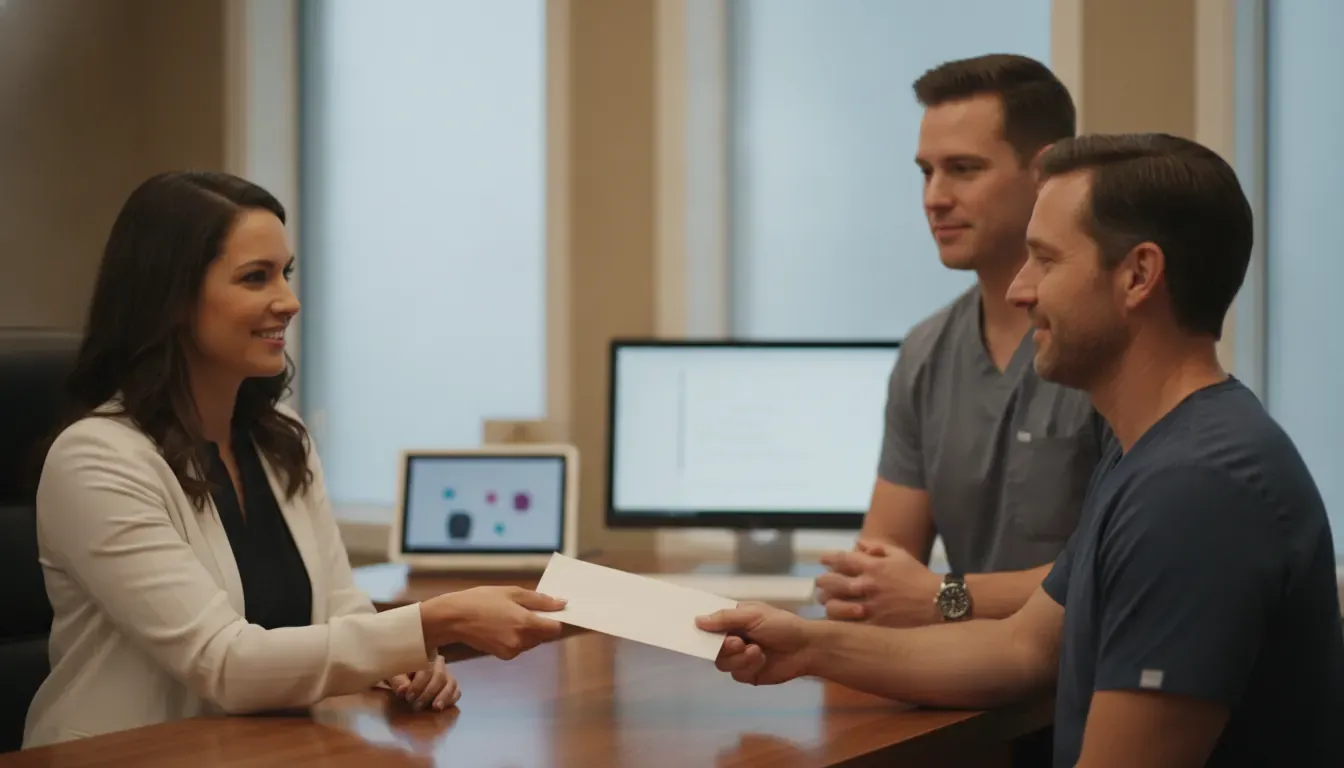
Good automation also respects preference and timing. Some patients prefer text, while others need email or a phone call. Some visits require more preparation than others. A practice can use templates, but the templates should be reviewed for accuracy, readability, and appropriate escalation. For a deeper look at protected communication and response ownership, see the guide to patient secure messaging for oral surgery teams.
- Right channel: Match the communication method to the patient’s documented preference and the sensitivity of the information.
- Right timing: Send useful information early enough for the patient and staff to act on it.
- Right owner: Make the next step visible when a patient replies or does not respond.
- Right record: Preserve the relevant message and outcome in the patient workflow.
Connect the Patient Experience to Scheduling and the Visit
Engagement improves when scheduling reflects the real visit, including procedure duration, anesthesia needs, room resources, staff coordination, and the preparation steps that make arrival productive.
A patient can receive every reminder on time and still have a poor experience if the appointment was built without the clinical and operational context needed to support it. Oral surgery scheduling often involves more than a time slot. The team may need to coordinate a surgeon, assistants, an operatory, anesthesia resources, imaging, recovery time, forms, and insurance information.
Patient engagement software does not need to turn every scheduling feature into a marketing message. It should make the patient-facing promise match the internal plan. If a procedure needs preparation, that preparation should be visible before the appointment. If an appointment changes, the patient should receive an accurate update and staff should know which downstream tasks need attention.
Practices evaluating this connection can use the dental scheduling software guide for oral surgery to examine resource-aware scheduling. The goal is a consistent handoff from request to appointment, not simply a faster way to fill an open slot.
How Do Patient Portals and Follow-Up Work After Surgery?
A portal or messaging channel becomes more valuable after the procedure when it delivers the right instructions, captures routine questions, and creates visible follow-up tasks without pretending to make clinical decisions.
After a procedure, patients may need access to instructions, appointment details, payment information, records, or a secure way to ask a question. The practice needs an equally clear internal process. Which team member checks incoming messages? What is the expected response window? Which topics can be answered administratively, and which must be routed to the clinical team? What indicates that the task is complete?
These decisions should be made before the system is turned on. A portal that simply creates another inbox can add work rather than remove it. A connected workflow should show the message, the assigned owner, the next action, and the completion status. It should also allow the practice to distinguish routine administrative follow-up from a matter that needs clinical review under its established protocols.
When comparing products, use a patient journey rather than a feature checklist. The oral surgery patient portal evaluation guide recommends testing referral, registration, surgery, recovery, and follow-up journeys with real staff roles. That approach can reveal whether the system reduces re-entry and confusion or simply moves those problems to a different screen.
Postoperative communication should remain specific and responsible. Software can deliver approved instructions and organize questions, but it should not generate unsupported clinical advice. The practice’s care team remains responsible for determining when a patient needs clinical attention. A clear process for routing and documenting those conversations helps protect both the patient experience and the staff workflow. See the postoperative patient communication workflow guide for a detailed framework.
Referral Communication, Education, and Review Requests
Engagement extends beyond the patient when an OMS practice keeps referring offices informed, explains treatment clearly, and invites appropriate feedback after the experience is complete.
Referring dentists are part of the patient journey. A practice may need to acknowledge a referral, identify missing information, communicate the next operational step, and return an appropriate report or update. Those tasks should be organized in the same way as patient tasks: clear status, assigned owner, secure channel, and documented completion. The purpose is not to create more messages. It is to make important handoffs dependable.
Patient education is another high-value point in the journey. A treatment plan or procedure explanation should help patients understand what they are deciding and what happens next. Digital treatment plans, visual explanations, and transparent estimates can support a face-to-face conversation, while the clinician remains responsible for the clinical discussion. MaxilloSoft’s guide to oral surgery patient education software explores that consultation use case in more detail.
Review requests belong at the end of a thoughtful service process, not in place of one. Practices should choose a timing and message that fit their policies, avoid including protected health information, and provide a simple way to share private feedback. A review request should never pressure a patient or suggest that a particular rating is expected. Measure response and feedback trends as signals for service improvement, not as a substitute for listening to patients directly.
- Referral status: Show whether a referral is received, incomplete, ready for review, ready to schedule, or scheduled.
- Patient education: Provide understandable information that supports questions and informed conversations.
- Feedback timing: Ask for feedback after the practice has delivered the promised experience and closed immediate tasks.
- Privacy controls: Keep referral and patient communications in approved channels and limit unnecessary detail.
What Should You Look for in Dental Patient Engagement Software?
The right platform is the one that connects the practice’s priority journeys, assigns work clearly, protects information, and produces useful operational evidence without requiring staff to rebuild every process around the software.
Practice owners and administrators should evaluate patient engagement software against actual oral surgery scenarios. Ask vendors to demonstrate an appointment request, referral intake, incomplete form, reminder reply, reschedule, postoperative question, referral update, and review request. Do not accept a tour that only shows a message template or a dashboard with no explanation of the work behind it.
- Lifecycle coverage: Can the system support the journey from first request through follow-up, or does it stop after scheduling?
- Workflow ownership: Can the practice assign tasks, backups, deadlines, and completion states by role?
- System connection: Does information move into the appropriate patient, appointment, and referral workflows without avoidable duplicate entry?
- Patient usability: Can patients complete the next step easily on a phone or computer, with accessible language and clear instructions?
- Communication control: Can the practice manage preferences, templates, two-way replies, escalation, and message history?
- Privacy evidence: Does the vendor explain safeguards, access control, auditability, incident response, and Business Associate Agreement responsibilities?
- Measurement: Can the team see completion, response, rescheduling, arrival readiness, follow-up, and unresolved-work trends?
- Implementation support: Does the vendor provide configuration, training, migration planning, and post-launch optimization?
For the front office, engagement should reduce avoidable calls and searching. For clinicians, it should make the right information available without adding documentation burden. For administrators, it should make bottlenecks visible across locations. A platform that works for only one of those groups is unlikely to support a consistent patient lifecycle.
Implementation and Measurement: Make the Workflow Usable
A successful rollout starts with a small set of mapped patient journeys, named owners, tested message rules, staff training, and measurements that show whether work is actually becoming easier to complete.
Begin with three representative journeys: a new consultation, a scheduled procedure, and a postoperative follow-up. Map every handoff, required input, message, exception, and completion signal. Then decide which steps should be automated, which need staff review, and which must remain with the clinical team. This prevents the practice from automating a broken process.
Track operational measures that the team can act on:
- Readiness: Percentage of scheduled patients with required forms, records, and instructions completed before arrival.
- Response: Time from patient or referring-office message to acknowledgment and resolution.
- Attendance: Confirmation, cancellation, rescheduling, and no-response patterns by communication channel.
- Follow-up: Open postoperative tasks, overdue items, and documented completion by role.
- Experience: Patient feedback themes, staff effort, and recurring points of confusion.
Use a phased rollout and review the results with the people who do the work. The oral surgery software implementation checklist can help organize discovery, configuration, training, testing, and go-live ownership. A platform such as MaxilloSoft is designed around connected oral surgery workflows, including online forms, SMS reminders, secure messaging, patient flow visibility, treatment plans, and referral communication. Practices should confirm current capabilities, integration requirements, and implementation responsibilities during a demonstration.
Frequently Asked Questions
The best patient engagement technology does not replace an OMS team’s judgment. It gives the team a reliable way to connect patient communication, administrative work, clinical handoffs, and follow-up.
What is dental patient engagement software?
Dental patient engagement software organizes communication and tasks across the patient journey. Depending on the platform, it may include appointment requests, online forms, reminders, two-way messaging, portal access, education, payments, referral updates, and feedback workflows. The important distinction is whether those functions share context and ownership.
Is a patient portal the same as patient engagement software?
No. A portal can be one component of an engagement strategy. Patient engagement software may also connect scheduling, intake, reminders, messaging, referral communication, postoperative follow-up, and review requests. Evaluate the complete workflow rather than choosing a portal based only on its feature list.
How can oral surgery practices evaluate a platform?
Ask the vendor to demonstrate real patient journeys, including an appointment request, incomplete intake, reminder reply, reschedule, postoperative question, and referral update. Confirm how the system assigns owners, protects information, records outcomes, integrates with existing workflows, and supports training and implementation.
What should automated patient messages include?
Messages should include only the information needed for the next step, such as appointment timing, location, preparation guidance, or a response option. Avoid unnecessary protected health information. Each message should have a defined reply path and a staff process for escalation or follow-up.
Can software replace clinical follow-up?
No. Software can deliver approved administrative information, organize routine communication, and surface unanswered tasks. Clinical decisions and patient-specific medical guidance remain the responsibility of qualified members of the practice’s care team under its own policies.
